Computer Vision Development Companies in India: A 2026 Buyer's Guide
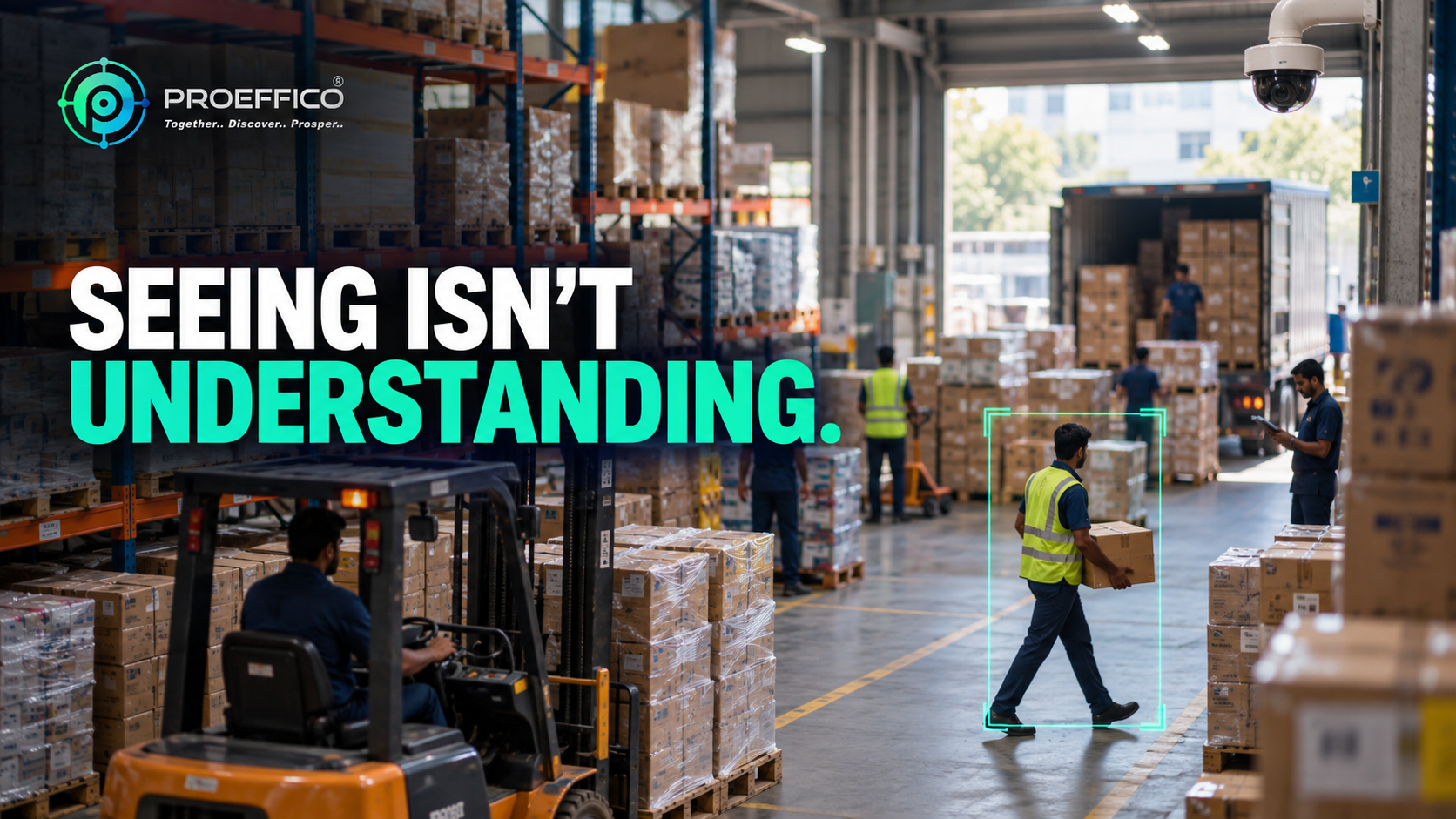
Most Indian factories, warehouses, and retail chains are already sitting on the raw material for computer vision — cameras. What they don't have is a system that turns that footage into a count, an alert, or a decision. That gap is exactly why "computer vision" has become a crowded search term in 2026: everyone claims an AI camera product, but far fewer teams have actually shipped computer vision that survives a real shop floor, a flaky internet connection, or three shifts of workers walking past a lens at odd angles. This guide is written from that operating reality. It covers what computer vision actually does, where it should run, where it has already proven itself in Indian deployments, and what to check before you sign with a computer vision company in India. ## What Computer Vision Can Do for Business Computer vision is software that lets a camera feed do more than record — it lets the system interpret what's happening in the frame: count objects, recognise a face or a number plate, detect a posture, or flag an anomaly, in real time, without a person watching the screen. The distinction that matters for buyers: CCTV captures video. Computer vision reads it. A traditional camera system tells you something happened only after you scrub through hours of footage looking for it. A computer vision system tells you the moment it happens. In practice, that shows up as things like:
- Counting units moving down a production line instead of relying on manual tally sheets
- Reading truck number plates automatically at a loading bay (ANPR — automatic number plate recognition)
- Tracking footfall and dwell time across store entrances without a person clicking a counter
- Flagging unusual behaviour at a cash counter or an unattended zone
- Marking attendance from an entry-point camera instead of a register that can be signed on someone else's behalfNone of this needs a person watching a wall of monitors. It needs a model trained for the specific use case, running against a live or near-live feed, with rules that decide what counts as an event worth surfacing.
On-Premise vs Cloud Computer Vision — Which Fits Your Site
This is the first real fork in the road, and it's more operational than technical.
- On-premise (edge) computer vision runs the model on a server or edge device physically at the site. Video never has to leave the premises to be processed. This matters for two reasons: connectivity and data control. A remote factory or a warehouse with an unreliable internet link can't depend on a cloud round-trip for every frame — the system needs to keep counting even when the line goes down. It also matters for sites where footage or data can't leave the building for compliance or client-confidentiality reasons; a research institution or a regulated manufacturer will often insist on this.
- Cloud computer vision processes video off-site and is easier to scale across many locations from a single dashboard, with lower upfront hardware. It suits multi-outlet retail or distributed offices where centralised, remote visibility matters more than offline resilience. Most Indian deployments end up hybrid: detection running at the edge for speed and offline continuity, with dashboards and aggregated reporting in the cloud. VIZO361, Proeffico's video analytics platform, is built around this reality — it offers both a perpetual on-premise licence and a cloud subscription, and it runs on the cameras already installed on site rather than requiring a hardware swap. That "no rip-and-replace" requirement is worth pushing every vendor on, because a lot of computer vision pitches quietly assume you'll buy their cameras too.
Real-World Computer Vision Use Cases (What This Actually Looks Like Deployed)
The best way to evaluate a vendor's claims is against work that's already live, not a demo reel. A few patterns from computer vision deployments across Indian and Middle East operations:
- Manufacturing counting and reconciliation. A large water bottle manufacturer with multiple factories was relying on manual head counts at packaging, conveyor movement, and truck loading — a process where a small error at a remote facility with unstable connectivity could go unnoticed for a full shift. An AI-driven computer vision system replaced the manual counting, comparing production output against dispatch records in real time and flagging discrepancies immediately, with ANPR linking truck loading and unloading events into a single audit trail. The deployment ran at the edge specifically because connectivity at some facilities couldn't be trusted.
- Workforce visibility. A manufacturing client needed attendance data that couldn't be manipulated the way a manual register could — cameras at entry and exit points now mark attendance automatically and build tamper-proof, timestamped records feeding directly into payroll. A separate real estate operator with staff spread across distributed premises used the same underlying approach — automatic movement and presence detection — to get visibility into unscheduled breaks and manpower utilisation across sites no single manager could physically monitor.
- Retail loss prevention and footfall. A Middle East retail brand had CCTV that recorded everything and revealed nothing until after an incident. Computer vision automated footfall counting across outlets, flagged anomalous cashier behaviour in real time rather than after the fact, and automatically recorded video tied to every invoice generated — turning billing into a verifiable audit trail rather than a trust exercise. These are the categories VIZO361 packages as modules: facial recognition, ANPR, phone-in-hand detection, fire and smoke detection, footfall analytics, cash theft detection, and guard sleeping detection, all running on a single video management layer.
Security and Accuracy: What to Verify Before You Sign
Two things separate a computer vision pitch from a computer vision deployment.
- Accuracy under your conditions, not the vendor's. Every vendor demo looks flawless because it's shot in ideal lighting with a clean camera angle. Your factory floor at 6 AM with overhead glare, or your store entrance with a crowd walking three-deep, is a different test. Ask for a pilot on your own footage before committing — accuracy claims that aren't validated against your actual cameras, lighting, and angles are marketing, not a spec. No credible vendor should promise 100% accuracy; the honest ones will tell you where the model is weaker (low light, occlusion, unusual angles) and how false positives get handled.
- Where the data lives and who can see it. Ask plainly: is footage processed and stored on-premise or sent to a third-party cloud? What's the retention period? Who has access, and is that access logged? For sites handling sensitive footage — factories with proprietary processes, BFSI branches, hospitals — this isn't a checkbox, it's often the deciding factor. Look for ISO 27001 certification as a baseline signal that the vendor treats data handling as an engineered discipline, not an afterthought.
How to Choose a Computer Vision Development Partner in India
A short checklist that filters out the vendors who can only do the demo:
- Ask for a pilot on your own cameras and site conditions — not a curated showreel.
- Confirm hardware compatibility. Does the system work with the CCTV you already have, or does it require new cameras and a fresh install?
- Ask how false positives and edge cases get handled — and who retrains the model after go-live, and at what cost.
- Ask for reference deployments in a similar industry — manufacturing counting logic is not the same problem as retail footfall or campus safety.
- Check integration depth. Can the vision system talk to your ERP, dispatch, or CRM, or does it sit in isolation as a dashboard nobody checks?
- Confirm data residency and security certification up front, before contract, not after deployment.Computer vision is rarely a standalone purchase — it usually sits inside a broader push toward automation. If you're evaluating vendors for this at the same time you're weighing an AI chatbot development company or scoping business process automation more broadly, the vendor-evaluation questions above largely transfer. Businesses in regulated sectors weighing where AI fits into daily operations may also find it useful to look at how AI is being used across BFSI operations in India for a sense of the same build-vs-buy tradeoffs playing out in a different domain.
Frequently Asked Questions
What is computer vision and how is it different from regular CCTV?
Regular CCTV records video for someone to review later. Computer vision is software layered on top of the camera feed that interprets what's happening in real time — counting, recognising, or flagging events — so action can be taken as it happens instead of after the fact.
Does computer vision work with our existing cameras, or do we need new hardware?
It depends on the vendor. Platforms like VIZO361 are built to run on existing CCTV infrastructure rather than requiring new cameras, which is worth confirming explicitly before signing since some vendors bundle their own hardware into the deal.
How accurate is AI computer vision in real factory or retail conditions?
Accuracy varies with lighting, camera angle, and occlusion, and no credible vendor should promise 100% under all conditions. The reliable way to know is a pilot run on your own footage and site conditions before full deployment, not a vendor's demo reel.
Is computer vision data secure and compliant for Indian businesses?
It should be, but that depends on the vendor's architecture and certifications. Ask specifically where footage is processed and stored (on-premise vs cloud), how long it's retained, who can access it, and whether the vendor holds a certification such as ISO 27001 that governs how data is handled end to end.
How long does a computer vision deployment typically take?
It depends heavily on scope — a single-use-case pilot on a handful of existing cameras moves faster than a multi-site, multi-module rollout with ERP or CRM integration.
Computer vision only pays off when it's built against your actual site, cameras, and workflow — not a generic pitch deck. If you want to see what that looks like against your own footage and operational data, book a discovery call with Proeffico.