Choosing a WhatsApp Business API Provider in India (2026 Guide)
Choosing a WhatsApp Business API Provider in India (2026 Guide)
Every business in India is already on WhatsApp. The question by 2026 isn't whether to use it — it's whether the free WhatsApp Business App is still enough, or whether it's time to move to a WhatsApp Business API provider that can actually carry order updates, support queries, and sales follow-ups at volume. That decision trips up a lot of otherwise sharp operations teams, mostly because the market is full of resellers reselling the same underlying Meta infrastructure with very different levels of support wrapped around it.
Proeffico has built WhatsApp Business API integrations as part of its services work — from a bot that pushes personalised daily sales targets to a distributed FMCG field force, to WhatsApp-based self-service for a professional body's member queries. That hands-on build experience, not a sales brochure, is what this guide is drawn from.
App vs Business API: What Actually Changes
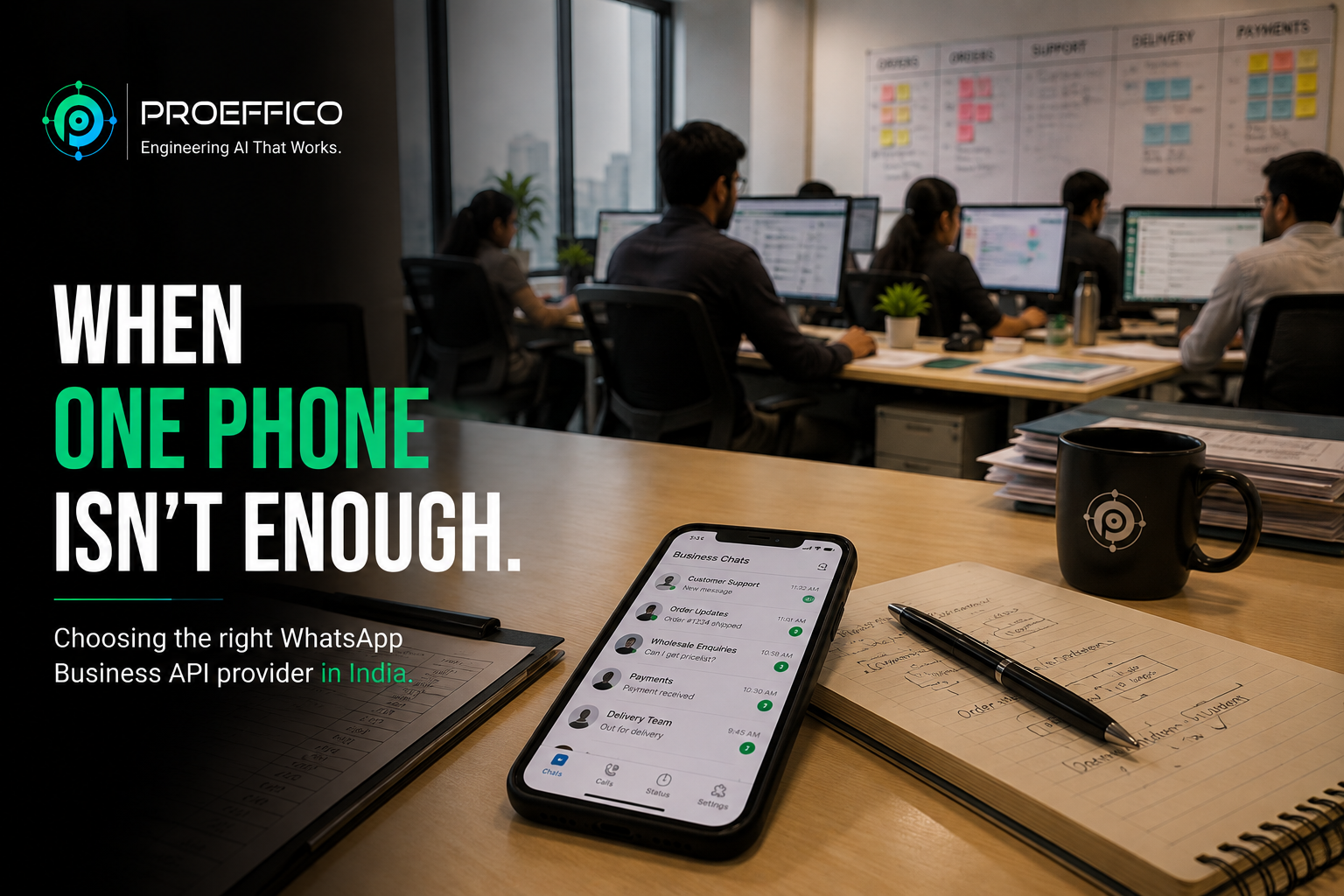
The WhatsApp Business App — the free app you download on a phone — is built for a single person managing a single device. It's genuinely good for a shop owner replying to ten chats a day. It breaks down the moment more than one person needs to answer, or you need to trigger a message automatically from another system (an order confirmation, a delivery update, a payment reminder).
The WhatsApp Business API is different infrastructure entirely. It doesn't come with a chat app — it's a set of programmable endpoints that your CRM, ERP, or bot connects to. Because Meta doesn't sell the API directly to most businesses, you access it either through Meta's own Cloud API or through a Business Solution Provider (BSP) — a company Meta has authorised to onboard your number, host the integration layer, and often build the automation on top. Most Indian businesses go the BSP route because it comes with dashboards, template management, and support, rather than raw API calls a developer has to wire up from scratch.
The practical trigger to move: once a team is handling more than a handful of WhatsApp conversations a day, or once you need WhatsApp to talk automatically to a system you already run — inventory, CRM, ticketing — the app has hit its ceiling.
What the API Actually Unlocks
The API isn't just "WhatsApp but for a bigger team." It unlocks a different category of use:
- Automated notifications — order confirmations, delivery status, payment reminders, appointment confirmations, sent the instant an event fires in your backend, not typed by hand.
- Shared inbox with multiple agents — several people replying from one verified business number, with routing and assignment instead of a single phone passed around.
- Structured self-service — menus, quick replies, and bots that resolve routine questions (order status, renewal dates, FAQs) without a human touching every conversation.
- Segmented broadcast — sending a relevant update to a defined list of customers, within WhatsApp's opt-in and template rules, instead of one generic blast.
- Rich message formats — catalogs, buttons, and quick-reply chips that make a WhatsApp thread behave more like a mini storefront or service desk.
In one Proeffico engagement, a large FMCG brand's field sales force — hundreds of reps spread across territories — had a problem that apps and email couldn't solve: getting SKU-level, territory-specific daily targets to every rep and knowing they'd actually seen them. A WhatsApp bot built on the Business API and wired into the company's internal sales systems now sends personalised targets every morning and compiles daily reports automatically. The reason it worked where the mobile app and portal hadn't is simple — the reps were already on WhatsApp every day; the system met them there instead of asking them to open one more app.
Pricing and Compliance
WhatsApp Business API pricing runs on a conversation- and message-based model set by Meta, split roughly into marketing, utility, authentication, and service message categories, each priced differently. BSPs then add their own platform or per-message markup on top of Meta's rates, so two providers quoting for the "same" API can land at noticeably different monthly costs depending on your message mix.
Two compliance points matter as much as price. First, every message template used for notifications or marketing has to be submitted and approved by Meta before it can be sent — plan for a review cycle, not instant deployment. Second, opt-in is mandatory: a customer has to have actively consented to receive WhatsApp messages from your business, and under India's Digital Personal Data Protection (DPDP) Act, that consent and the data collected through the conversation need to be handled with the same care as any other personal data you store.
Automation and CRM Integration
The API on its own is a pipe — value comes from what's connected to it. The businesses getting real results tie WhatsApp into their CRM (Customer Relationship Management system) so a WhatsApp enquiry becomes a lead automatically, gets assigned to the right person, and shows up alongside every other touchpoint with that customer. A CRM built with WhatsApp as a primary channel handles this natively for teams like real-estate sales desks, where site-visit confirmations and follow-ups happen almost entirely over chat.
The same logic extends to backend workflows beyond sales — routing a support query into a ticketing system, or triggering an internal alert when a customer replies to a delivery update. This is really a subset of a broader shift many Indian companies are making, which we've covered in more depth in our guide to business process automation for Indian enterprises.
How to Choose a Provider
A shortlist worth working through before signing anything:
- BSP vs raw Cloud API access — do you want a managed platform with dashboards and support, or are you building fully custom and only need the connection layer?
- Template turnaround — how fast does the provider get your message templates approved, and do they help you write them so they pass review the first time?
- Integration depth — can they build the actual automation (CRM sync, bot logic, backend triggers), or do they only hand you API credentials and leave the engineering to you?
- Support and SLA — what happens when a template gets rejected or a webhook fails at 9pm on a launch day? Get this in writing, not verbally.
- Transparent pricing — ask for the full cost breakdown across message categories, not just a headline "starting from" number.
This is also where it's worth being honest about a limitation: the API itself is largely the same underlying Meta infrastructure no matter who you buy it from. What differs — and what's worth paying for — is the quality of the automation, integration, and support built around it. A provider that only resells API access without helping you design the conversation flows and connect them to your systems is leaving most of the value on the table. This is the part Proeffico focuses on when scoping a WhatsApp implementation — the bot logic, the CRM or ERP wiring, and the reporting layer, not just the API line item.
Related reading, if a chatbot or a broader automation layer is next on the list: how to choose an AI chatbot development company in India covers the evaluation questions for the conversational-AI side of this same decision.
Frequently Asked Questions
Is the WhatsApp Business API free?
No. The app is free; the API is paid, priced by Meta per conversation/message category, with most Indian businesses accessing it through a BSP that adds its own platform fee.
Do I need a developer to use the WhatsApp Business API?
Not necessarily. Most BSPs provide a dashboard for templates, broadcasts, and shared inboxes without code. You need development effort only when you want the API connected to a CRM, ERP, or a custom chatbot flow.
How long does WhatsApp Business API approval take?
Business verification with Meta and initial template approval typically takes a few days to a couple of weeks, depending on how complete your Meta Business Manager profile is and how many templates you submit at once.
Can I keep my existing WhatsApp number when moving to the API?
Usually yes, as long as it isn't actively registered in the standard WhatsApp Business App at the same time — most providers walk you through migrating the number over.
What's the difference between a chatbot and the WhatsApp Business API?
The API is the channel — the pipe that lets messages flow programmatically. A chatbot is the logic layer built on top of it that decides what to say and when. You can use the API purely for notifications with no chatbot at all, or add one for self-service.
If WhatsApp is becoming the channel your customers actually use to talk to you, it's worth building it properly rather than bolting on a reseller's default setup. Book a discovery call to walk through what a WhatsApp Business API implementation would look like for your operations.