AI Readiness Assessment: Is Your Business Actually Ready for AI? (2026)
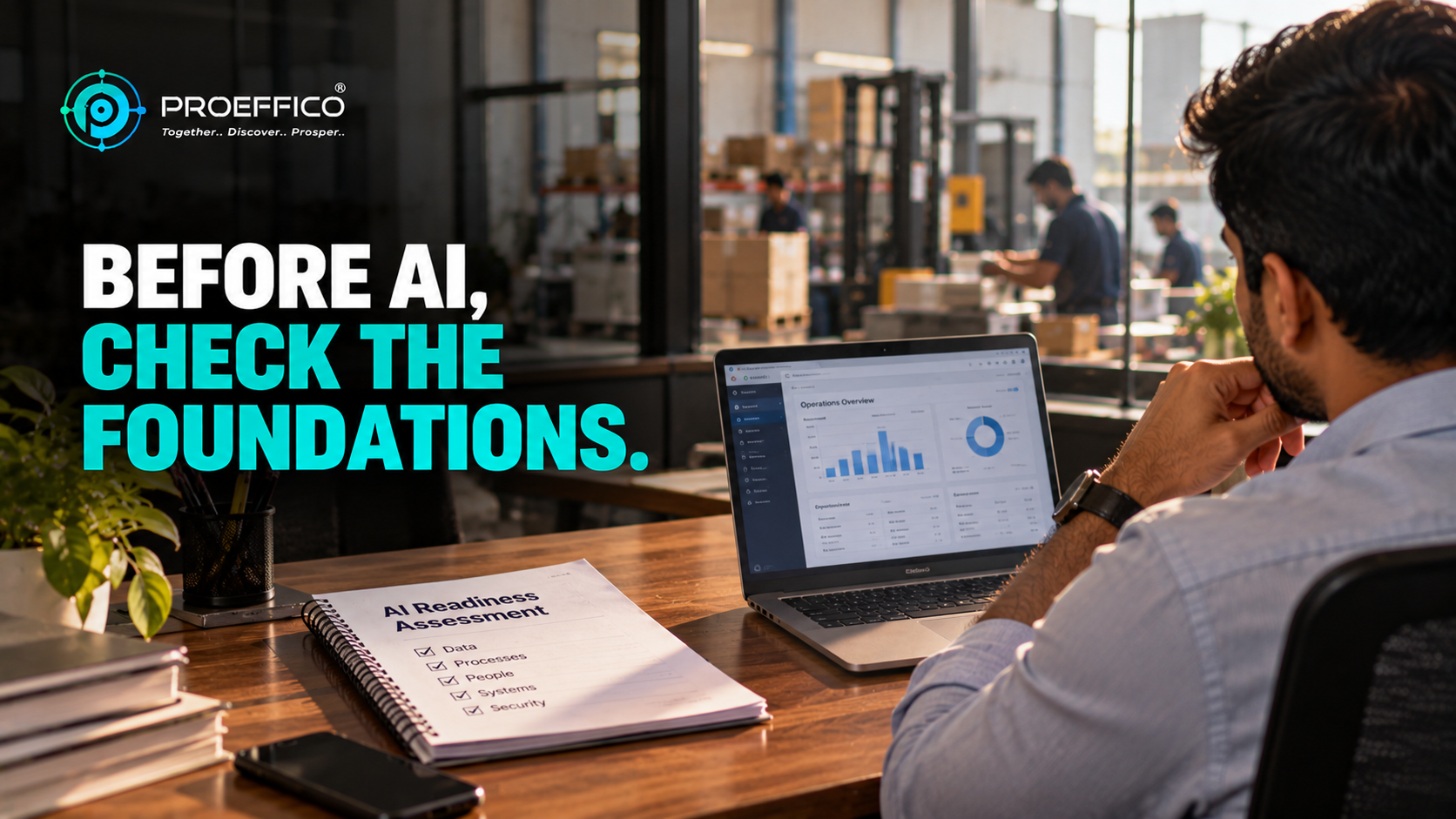
Most AI projects don't fail because the model was weak. They fail because the business underneath wasn't ready for it. An honest AI readiness assessment, done before anyone signs a contract or buys a licence, is the cheapest way to avoid that. Readiness is not a yes-or-no verdict, and it is not a technology score. It is a map of what is already in good shape, what needs fixing first, and which use cases you can safely start with today. This guide walks through the five areas Proeffico looks at when a company asks, "Can we actually use AI?" ## What an AI readiness assessment really measures An AI readiness assessment checks whether your data, processes, systems, people and security posture can support an AI use case in production, not just in a demo. A demo runs on a clean sample file. Production runs on whatever your team actually has: three spreadsheets, an old ERP, a WhatsApp group and one person who remembers the exceptions. So the assessment is always tied to a **specific use case**. "Are we ready for AI?" is too vague to answer. "Are we ready to automate invoice matching?" or "Are we ready for a support assistant on our product catalogue?" can be answered in a week. Start with one or two candidate use cases, then test each against the five areas below. ## 1. Data readiness This is where most assessments find the first real gap. AI works on your data, so the questions are practical: - **Where does the data live?** One system, or scattered across tools, files and inboxes? - **Is it consistent?** The same customer spelled four ways, or the same product code with and without a prefix, will confuse any model. - **Is it complete and current?** Stale stock figures or missing fields produce confident wrong answers. - **Can you get at it?** Data locked in a legacy system with no export or API is data you cannot use yet. You do not need perfect data. You need data that is good enough for the chosen use case, and you need to know where it falls short. We cover this in more depth in our guide to data readiness for AI. ## 2. Process readiness AI amplifies the process it is placed on. If the process is clear, it gets faster. If the process is chaotic, it gets chaotic faster. Ask whether the workflow is written down or at least well understood, whether the exceptions are known, and whether someone owns the outcome. A process that lives only in one employee's head is not ready to be automated or assisted by AI, because nobody can say what "correct" looks like. A good test: can you describe the current process, step by step, to a new joiner in ten minutes? If not, document it first. That exercise alone often removes a surprising amount of waste before any technology is involved. ## 3. Systems and integration readiness AI is rarely useful in isolation. A document-extraction tool that cannot push results into your accounting system just creates a new manual step. So check: - Do your core systems (ERP, CRM, billing, inventory) expose APIs or reliable exports? - Is there already an integration layer, or does information move through people and spreadsheets? - Where would an AI output need to land for it to be useful? If your systems are disconnected, integration usually comes before AI, not after. Our piece on ERP integration best practices explains how to connect existing systems without rebuilding them. ## 4. People and ownership Technology is the easier half. The harder questions are about people: - Is there a business-side owner for this use case, not just an IT sponsor? - Will the team who does this work today be involved in designing it? - Is leadership clear on what success looks like, in terms they would check themselves? - Is the team open to changing how they work, or will the tool quietly be ignored? In our experience, projects with a named business owner and early involvement of the people doing the work get adopted. Projects handed over finished tend to drift back to the old spreadsheet within a few months. ## 5. Security, privacy and compliance Before any data goes near an AI service, you should know what is sensitive and where it is allowed to go. For Indian businesses this includes customer personal data covered by the DPDP Act, financial records, and anything under sector rules in BFSI, pharma or telecom. Check these basics: - Which data is sensitive, and who currently has access to it? - Can the use case run on masked or reduced data? - Does it need to stay within India or on-premise? - Is there an audit trail for what the AI saw and produced? Skipping this step is the most expensive shortcut. It is far easier to design data handling in at the start than to patch it after a security review. ## A simple way to score yourself You do not need a consultant to run a first pass. For each of the five areas, rate your readiness for one specific use case as **red** (a blocker), **amber** (workable with effort) or **green** (ready). - **All green or amber, no red:** start a small pilot, scoped tightly. - **One or two reds:** fix those first. Often it is data cleanup or a missing integration, and it is better to know now. - **Red across most areas:** AI is not your next step. Process documentation and system integration will deliver more value sooner, and they make AI possible later. Be honest here. A red score is not a failure; it is information that saves money. ## What a good first use case looks like The best first use cases share a few traits: a repeatable task, a measurable baseline, data that already exists, and a low cost of a wrong answer. Document extraction, internal knowledge search, support triage and lead qualification often fit. Decisions with legal, financial or safety consequences should keep a human in the loop at the start. If you are weighing automation approaches, it helps to understand where fixed workflows end and where [AI agents for business automation begin. ## Honest limitations An assessment can tell you whether the foundations are there. It cannot guarantee an outcome, and it cannot replace a pilot. Some issues only show up once real users and real, messy data meet the system. Treat the assessment as a way to reduce surprises, not remove them, and plan a short pilot with clear exit criteria. ## Next step If you would like a second pair of eyes on your data, systems and candidate use cases, Proeffico's team can walk through the five areas with you and tell you plainly what to fix first. Book a discovery call. ## Frequently Asked Questions ### What is an AI readiness assessment? It is a structured review of whether your data, processes, systems, people and security setup can support a specific AI use case in real operations. The output is a clear list of what is ready, what needs fixing, and where to start. ### How long does an AI readiness assessment take? For one or two use cases in a small or mid-sized business, a focused first pass can often be done in a few days to a couple of weeks. Larger, multi-system organisations take longer, mainly because of the effort of mapping data and systems. ### Do we need clean data before starting with AI? You need data that is good enough for the chosen use case, not perfect data. The assessment shows where gaps matter and where they do not, so you clean only what the use case actually depends on. ### Can a small business or SME do an AI readiness assessment? Yes. The five areas apply at any size, and a small business can run a simple red-amber-green review internally. The benefit is often larger for SMEs, because it prevents spending on tools the business is not yet set up to use. ### What if we score poorly on readiness? That is useful information, not a dead end. Typically the next step is fixing the specific blockers, such as documenting a process, cleaning key data or integrating two systems, and then revisiting AI with a smaller, safer pilot.